

Update — July 2026: The Coalesce trial experience has moved from Snowflake Partner Connect to Snowflake Marketplace. The steps below have been updated to reflect the new Marketplace signup flow. Start your free trial from the Coalesce Marketplace listing.
Getting Started with Snowflake Partner Connect
Follow these steps to create your Coalesce trial account through Snowflake Marketplace and begin transforming data in Snowflake in just a few minutes:
- Log in to your existing Snowflake account, or create a new Snowflake trial account if you do not have one already. You’ll need the ACCOUNTADMIN role (or equivalent privileges) and a verified email address.

- In the navigation menu, select Marketplace > Snowflake Marketplace and search for Coalesce using the search bar.

- Open the Coalesce listing and select Start free trial in the upper right.

- In the Connect to Coalesce dialog, review the Snowflake objects that will be created in your account, then select Connect to Coalesce.

- You’ll be redirected to Coalesce to finish activating your trial account. Follow the prompts to complete activation and select Start Free Trial.
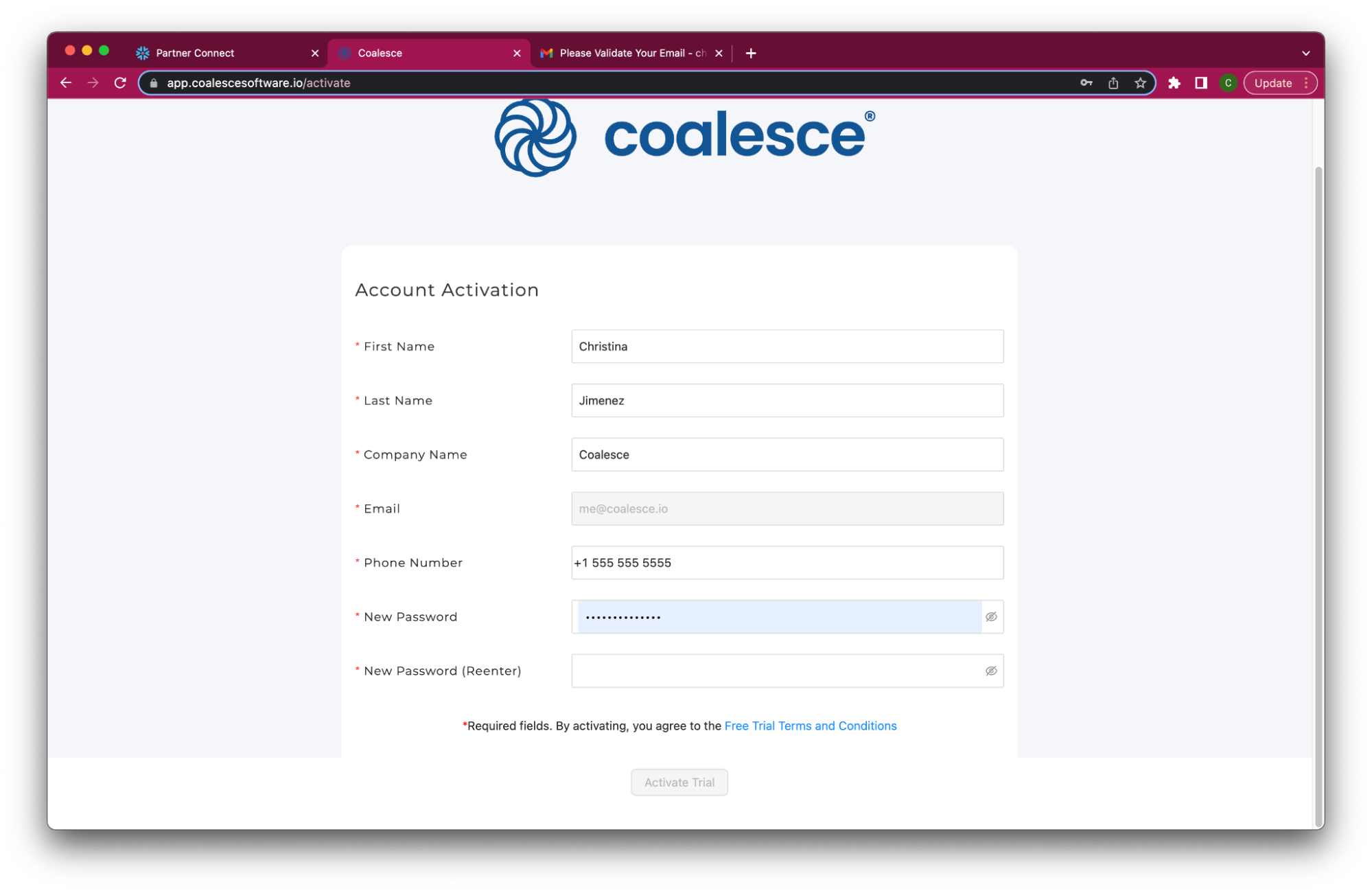
Congratulations! You’ve successfully created your Coalesce trial account. Next, you’ll be taken to the Coalesce UI, where you can create a workspace and build up to 50 nodes using preloaded Snowflake trial data or your own datasets.
Check out our Quick Start Guide for an overview of Coalesce and to learn about building different node types, applying data transformations, and more.
If you have questions or need assistance when setting up your Coalesce account, our support team is available to help. You can access technical support in the Resource Center of your Coalesce account or by emailing sales@coalesce.io.